What Is Text Extraction? A Complete Beginner’s Guide to Extracting Text from Images and Documents
In today’s digital world, we deal with images, screenshots, scanned files, and PDFs every day—but what if you need the actual text inside them? That’s where text extraction becomes essential. With tools like From Image to Text, you can instantly pull editable text from images and documents, saving hours of manual typing and improving productivity.
In this guide, you’ll learn what text extraction is, how it works, where it’s used, and how you can start using it easily—even if you have zero technical experience.
What Is Text Extraction?
Text extraction is the process of pulling readable, editable text from non-editable sources such as:
- Images
- Scanned documents
- Screenshots
- PDFs
- Handwritten notes
This process is powered by OCR (Optical Character Recognition) technology, which scans visual content and converts it into machine-readable text.
In simple terms:
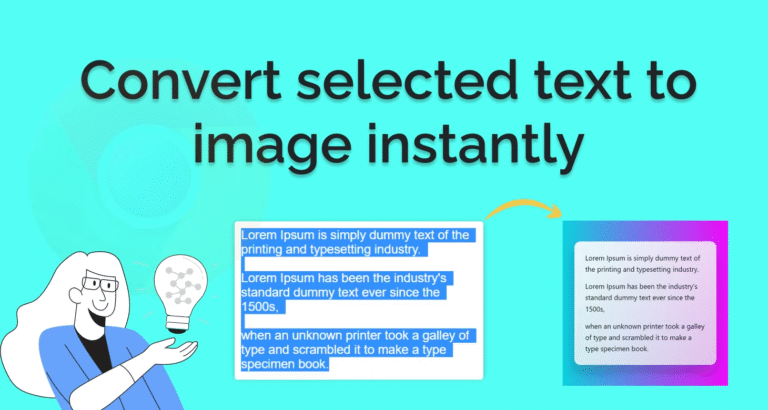
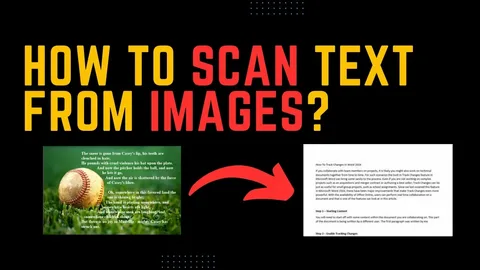
Text extraction turns pictures into copyable text.
How Text Extraction Works (Step-by-Step)
Although it feels instant, several steps work behind the scenes.
Step 1: Image or File Upload
You upload an image, screenshot, or scanned document to a text extraction tool.
Step 2: OCR Scanning
The software analyzes shapes, letters, and patterns inside the file.
Step 3: Character Recognition
Each detected character is matched with digital text data.
Step 4: Editable Output
The extracted text becomes copyable, searchable, and editable.
Tools like From Image to Text handle all of this in just a few seconds.
Common Uses of Text Extraction
Text extraction is used across many industries and daily tasks:
- ✅ Students converting notes from images
- ✅ Office workers extracting data from scanned files
- ✅ Businesses digitizing paper records
- ✅ Researchers pulling text from screenshots
- ✅ Online sellers extracting product details from images
It eliminates repetitive typing and reduces human error.
Types of Text Extraction
1. Printed Text Extraction
Used for books, receipts, forms, and typed documents.
2. Handwritten Text Extraction
Works best with neat handwriting and clear images.
3. PDF Text Extraction
Used to pull text from scanned or image-based PDF files.
4. Screenshot Text Extraction
Useful for copying chat messages, error logs, or online content.
Each type may require slightly different processing, but the core OCR principle remains the same.
Best Tools for Text Extraction
Here are some trusted and easy-to-use tools:
- From Image to Text – Fast online OCR tool
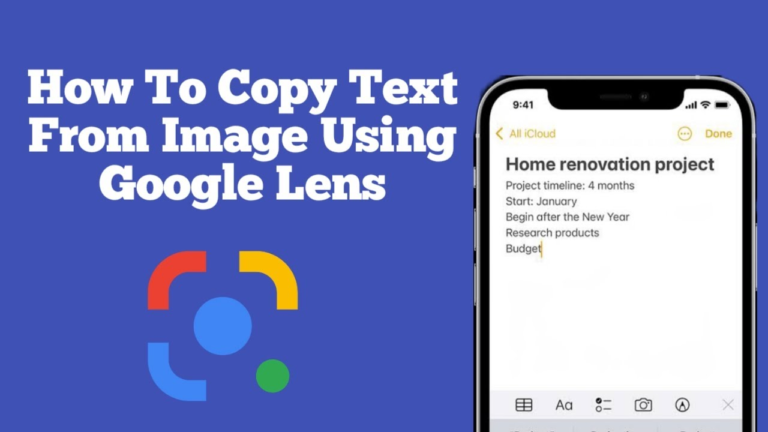
- Google Lens – Mobile-based text extraction
- Microsoft OneNote – Desktop OCR
- Adobe Scan – Mobile document scanning
- Apple Live Text – Built-in iPhone feature
Among these, online OCR tools are the fastest for instant conversion without installing software.
How to Extract Text from an Image (Quick Method)
Here’s a simple workflow anyone can follow:
- Open From Image to Text
- Upload your image or screenshot
- Select the correct language
- Click Extract Text
- Copy and use your editable text anywhere
No sign-up. No technical skills. Just upload and copy.
Tips for More Accurate Text Extraction
To get the best results every time:
- Use high-resolution images
- Avoid shadows and glare
- Keep text straight and centered
- Crop the unnecessary background
- Use dark text on light backgrounds
- Proofread after extraction
Better image quality = better extraction accuracy.
Benefits of Text Extraction
- Saves time
- Converts non-editable files into editable text
- Reduces typing mistakes
- Makes content searchable
- Improves workflow efficiency
- Helps with accessibility and screen readers
It’s one of the most useful digital automation tools today.
Frequently Asked Questions
What is text extraction used for?
Text extraction is used to convert text from images, scanned documents, and PDFs into editable digital text for editing, searching, and storage.
Is text extraction the same as OCR?
Yes. Text extraction is the result, and OCR is the technology that performs it.
Can I extract text from a handwritten image?
Yes, as long as the handwriting is clear. Accuracy depends on image quality and writing style.
Is text extraction free?
Many tools offer free use, including From Image to Text and Google Lens.
Can I extract text on my phone?
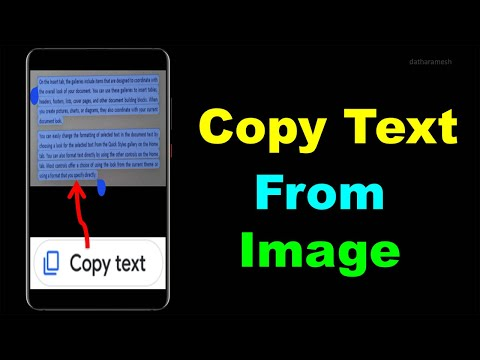
Yes. Mobile apps like Google Lens, Adobe Scan, and built-in iPhone Live Text support text extraction.
Conclusion
So, what is text extraction? It’s a powerful way to turn images, scans, and screenshots into editable digital text using OCR technology. Whether you’re a student, business owner, or casual user, text extraction can dramatically speed up your daily tasks and eliminate manual data entry. Try extracting text from your next image usingFrom Image to Text and experience how effortless digital conversion can be. Share this guide with others who still type from images manually!